


You found it. You know you found it. It had exactly the figure you need for the discussion section. It was in a tab, or a chat, or a file called download (7).pdf. Now it is gone, and the next forty minutes go to finding it again.
Losing sources is one of the most common frustrations in research work, and one of the most avoidable. The fix is a single place where every paper you touch ends up by default.
Library: one home for every source
The tlooto Library keeps bookmarked papers and citation sources in one place.
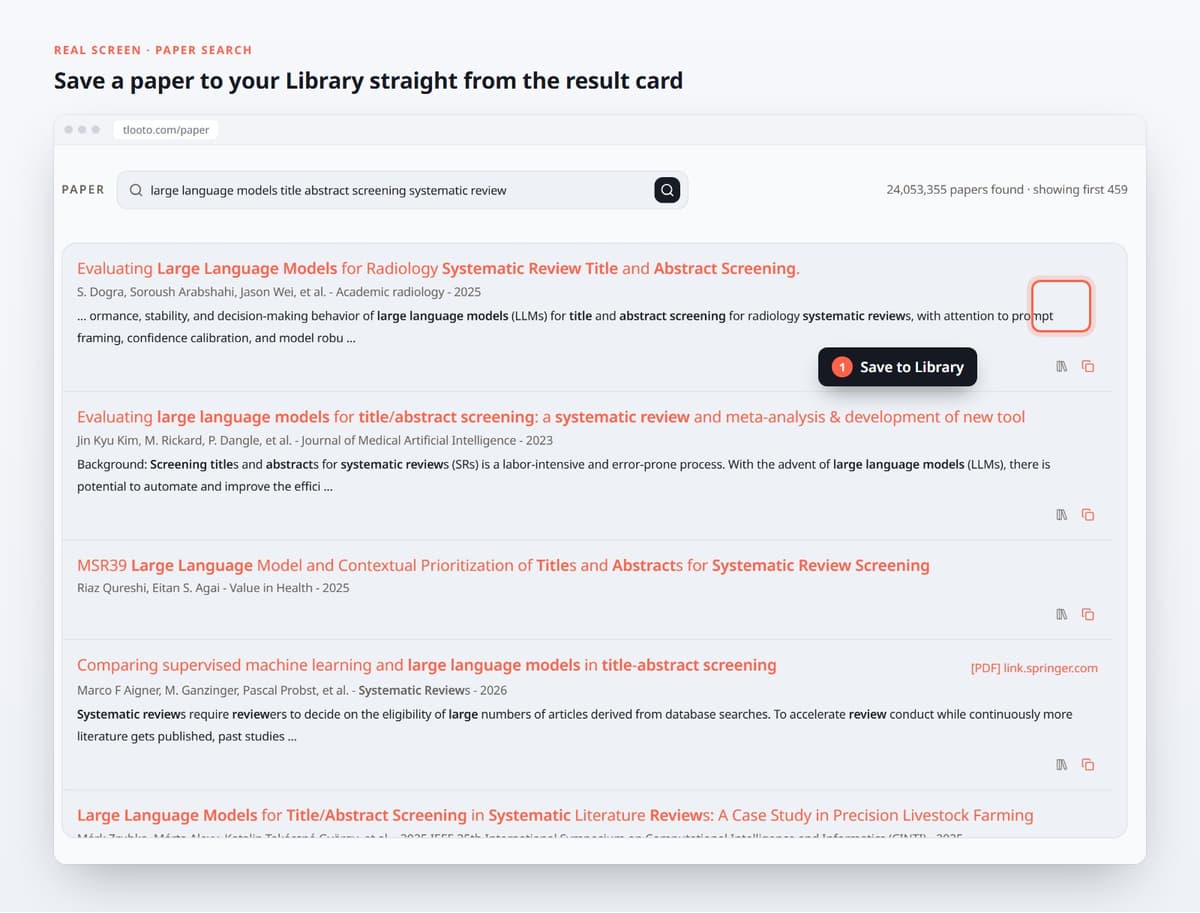
- Save from anywhere. Save a paper card from search results or a reference from a report. The citation text and DOI are kept for reuse in chats and projects.
- Upload PDFs. Paper PDFs become Library references automatically.
- Import existing references. Bring in reference files or a whole export folder from the tool you use today.
- Organize with collections. Group papers by chapter, project or course, and filter your Library by collection.
- Share with your lab. Keep a collection private, or invite members by email for shared access.
Ask questions over your own collections
This is where a Library stops being a filing cabinet. When you ask a question, you can choose which Library collections to include, so tlooto answers from the papers you have already vetted as well as from new searches.
Projects: keep the context between sessions
A thesis is not one question. It is fifty questions over several months. Projects keep that work together: describe what the project is for, attach the files it should use, and move reports into it. New questions in the project start with the project’s files and defaults instead of from zero.
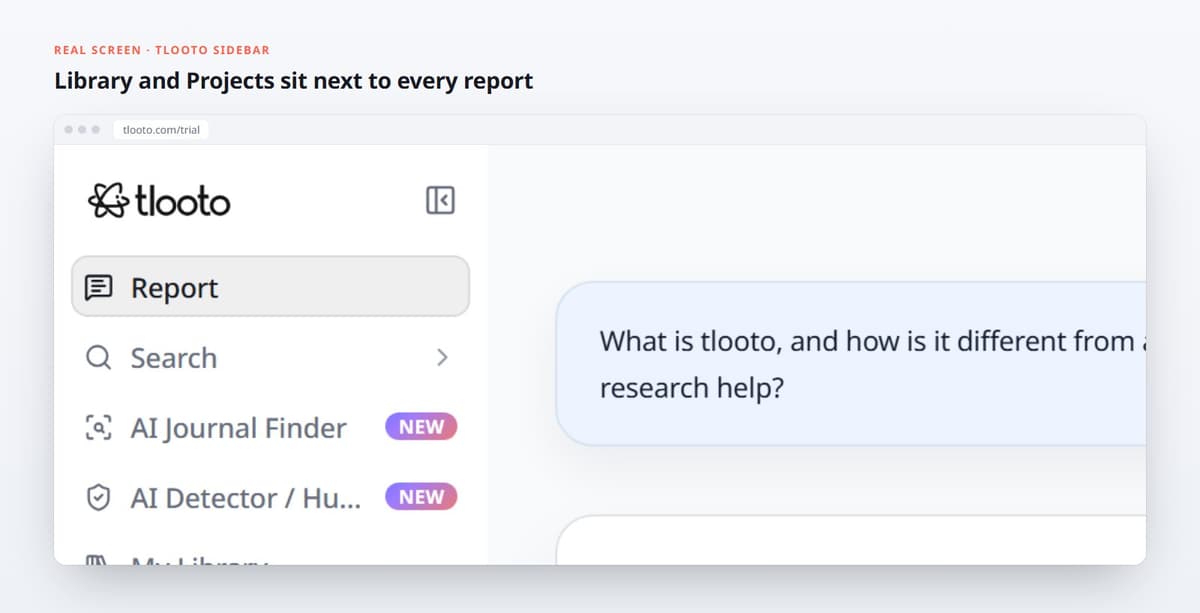
The tlooto sidebar: Report, Search, AI Journal Finder, AI Detector, My Library and Projects.
The result is less time re-finding and re-explaining, and a clear trail from a paragraph in your draft back to the paper and the question that produced it.