


Rows become a chart, the chart becomes a captioned figure. Illustrative.
The data is in a spreadsheet. The analysis you need is not complicated: a group comparison, a trend, a correlation. But between you and the figure are an unfamiliar statistics package, a plotting library, and an hour of fighting axis labels.
Ask the data a question
In tlooto, attach the file and describe what you want in plain language. Spreadsheets and data files are supported, including .xlsx, .xls, .csv, .json and .xml, up to 20 MB per file and up to 10 files at a time.
- Compare mean GPA between students above and below seven hours of daily phone use, and report the difference with a 95% confidence interval.
- Plot GPA against nightly sleep hours with a trend line.
- Which variables have missing values, and how many?
The analysis comes back with the numbers and an explanation of what was done, so you can check it and describe it in your methods.
From chart to figure
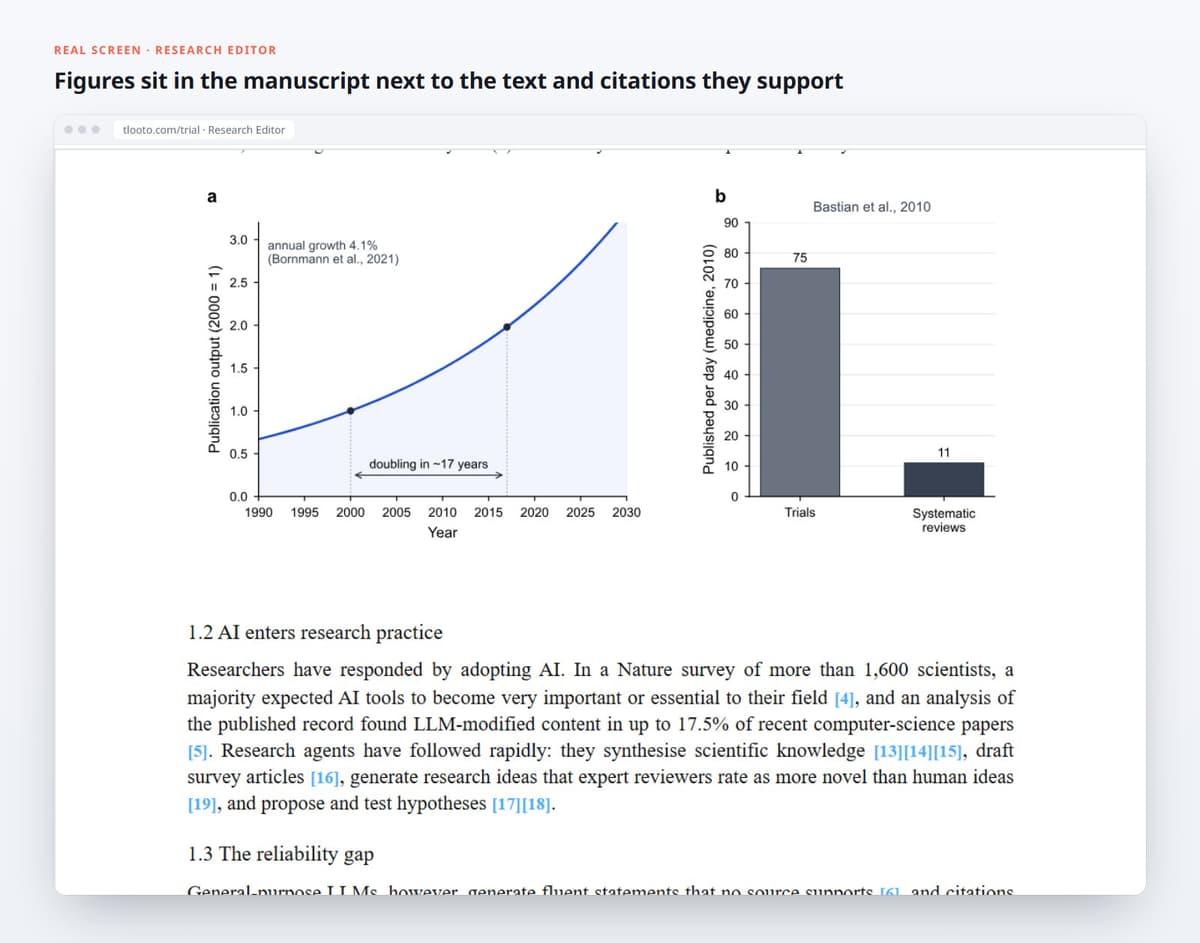
A figure for a paper needs more than a chart: consistent fonts, labeled axes with units, a legend that does not cover the data, and a caption that says what the reader should see. Ask for those changes directly, then place the figure in the Research Editor next to the text and citations it supports.
Check before you trust
- Look at the data first. Ask for a summary of each column and the missing values before any test.
- Confirm the test. Make sure the method matches your design, and ask why it was chosen.
- Reproduce the key number. For the result that anchors your paper, verify it once in your own tool of choice.
Used this way, tlooto removes the mechanical friction between a spreadsheet and a submission-ready figure, while the analytical decisions stay with you.