


Features
tlooto X Academic Humanizer: Refine AI Drafts into More Natural Academic Writing
Read more
Get the latest on company updates, new feature launches, and step-by-step tlooto guides.
Plus, check out what's trending on social media - all in one place.
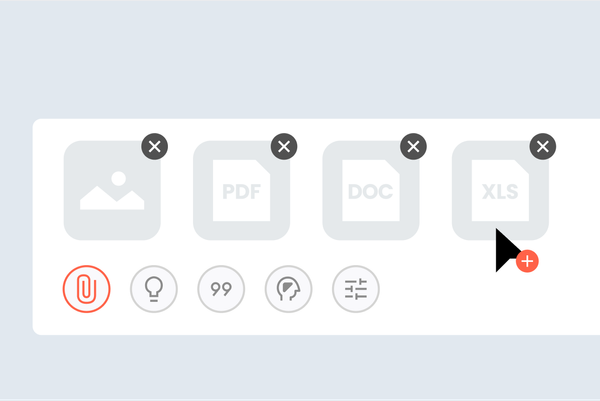
tlooto AI now supports expanded file analysis, allowing researchers to upload and interpret a wider range of academic materials including .xlsx, .xls, .csv, .json, .jsonl, .xml, .docx, .hwp, .hwpx, .txt, .md, .latex, .ris, .bib, .pdf, .png, .jpg, and .jpe
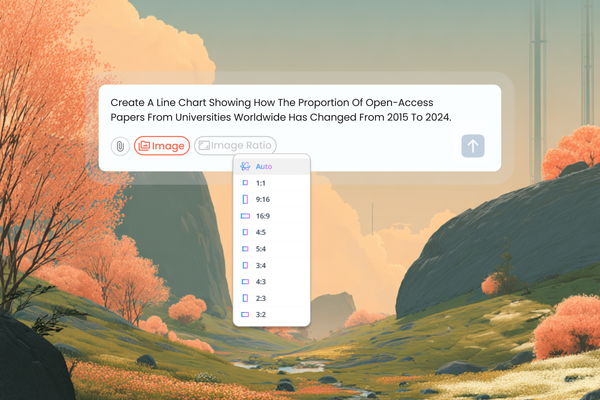
Discover tlooto AI’s new image creation feature for academic research. Instantly turn your data, tables, and concepts into clear visuals for papers, presentations, and collaborative projects. Simplify complex ideas, create professional figures, and shar
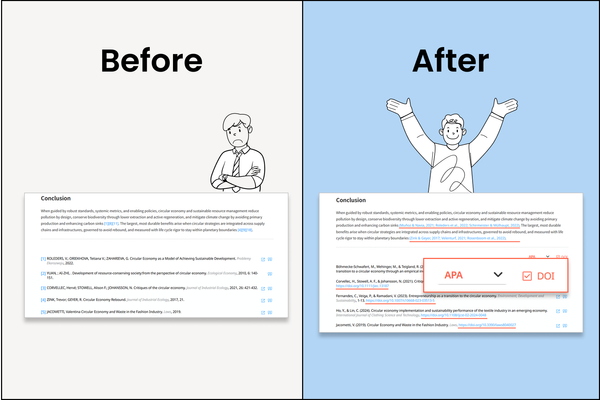
With just one click, researchers can instantly format references and in-text citations according to journal guidelines (ISO 690, APA, MLA) and even control DOI display.
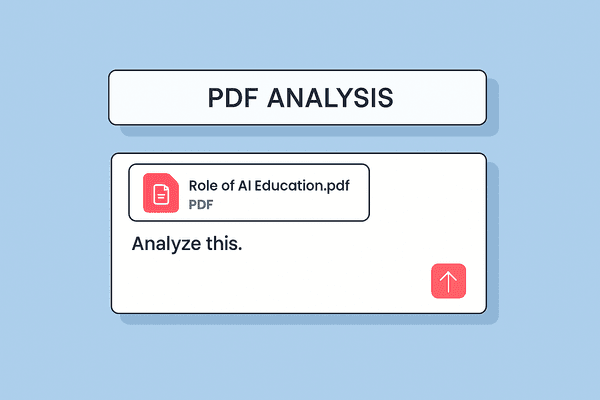
tlooto now supports direct upload of academic PDF documents, allowing users to ask questions and receive answers based on the full content of the uploaded paper.

Smart Referencing mode finds and attaches relevant academic papers based on the paragraph or abstract you’ve already written. Instead of searching for sources before making a point, you can write your idea first.
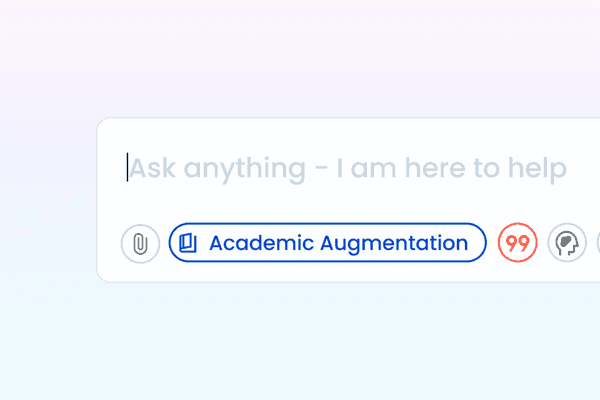
Academic Augmentation mode helps you deepen your writing by adding relevant theories, prior studies, or real-world examples. It’s designed to make your content sound more scholarly and grounded in academic literature.

Paraphrasing mode helps you rephrase academic text to improve readability, clarity, and alignment with your personal writing style, while maintaining the original meaning.
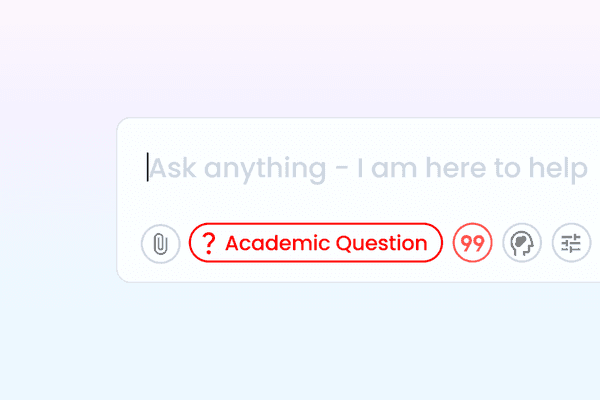
Academic Question mode transforms your words into a clearer and more refined scholarly question. It’s especially useful for framing research directions, structuring thesis topics, or identifying academic problems.